mcd76 Login: Your Number, Your Password, Your Lobby
Sign in with the Malaysian mobile number you registered and the password you set. Everything you need sits on this page, including the reset route if the password will not stick.
18+ · Play ResponsiblyThree ways into your mcd76 account
Get the appMost players use the number-and-password route in a browser. Pick the row that matches what you have in front of you; the form at the top of this page handles the first two.
| Route | What you enter | Where it works | Good for |
|---|---|---|---|
| Mobile number | Your registered Malaysian number plus your current password. Type it the way you did at sign-up, so 012 and +6012 are not treated as the same entry. | Any browser, on phone or laptop. | Everyday use and first-time sign-ins. |
| Username | If you set a username during registration, it goes in the same first field as your number. The password is case-sensitive either way. | Browser and app. | Players who forget which number they used. |
| mcd76 app | Open the app and continue with the saved session, or type the same credentials by hand. Version 3.5.1, 58 MB, Android 8.0 and above. | The Android APK. | One-handed play on mobile data. |
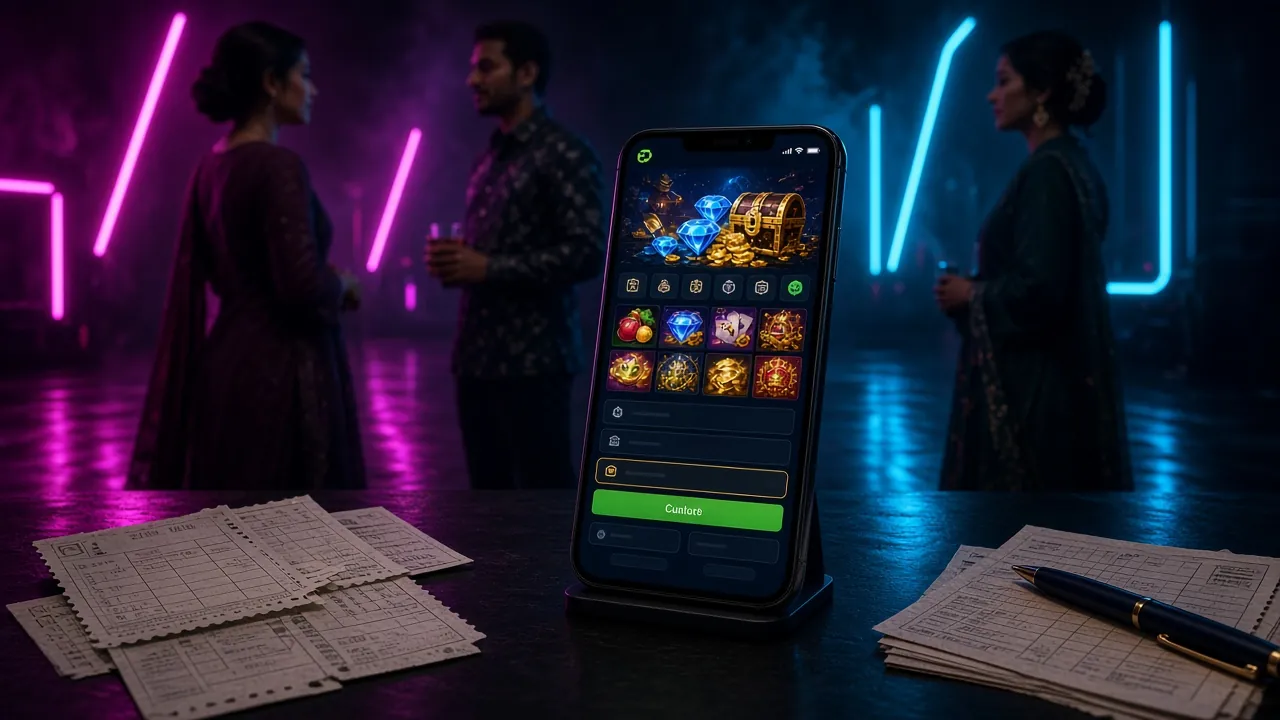
Getting through mcd76 login in four moves
The whole sequence takes about as long as boiling water for one cup of coffee.
-
Open the sign-in page
Go to the mcd76 login page in your browser or tap the app icon on your home screen. If a link in a group chat sends you somewhere that looks similar but asks for your password on a strange domain, close it and type the address yourself.
-
Enter your mobile number
Type the Malaysian number you registered with. Spaces do not matter, but the digits do. If you saved a username, it works in the same field. Read it back once before moving to the next box.
-
Type your password
Passwords are case-sensitive, so check caps lock on a laptop keyboard where it is easy to hit by accident. On a shared device, do not let the browser offer to save the password for the next person.
-
Press Log In once and wait
The lobby opens with slots, live tables and the sportsbook, with your balance already in ringgit. If the page does nothing after a few seconds, stop pressing the button and read the troubleshooting table below instead.
Keeping your mcd76 password out of trouble
Support can reset credentials, but the cheapest protection is the five habits below. None of them takes more than a minute.
-
Pick a password you have never used elsewhere
Many Malaysian players reuse one password across shopping apps, email and betting accounts. A single leak then opens every door at once. A password written only for mcd76 costs you nothing and closes that gap for good.
-
Keep it out of chat apps
Never send your password through WhatsApp, Telegram or a Facebook group, even to someone who says they are from support. A genuine agent helps you reset it through the official channel, they never need to read it.
-
Log out on shared devices
Cybercafés, office laptops and a friend's phone all keep sessions alive long after you walk away. Tap Log Out when you finish playing, and leave Keep me signed in unticked unless the device belongs to you alone.
-
Read the address before you type
Go to mcd76.site yourself or use a bookmark you saved earlier. Look-alike pages that copy our green and gold are the usual way Malaysian accounts get taken, and they always want your password on a domain you do not recognise.
-
Keep your registered number alive
One-time codes and password resets go to the number on the account. If you change SIM or move to a new number, update it through 24/7 live chat before you need a reset, not on the night you are trying to withdraw.
When mcd76 login stalls: six fixes that work
Work down the list in order. Most stalls are autofill, cookies or a number typed a different way, and all three are fixed in under a minute.
| What you see | Likely cause | What to do |
|---|---|---|
| Password rejected, though you are sure it is right | Caps lock on, autofill pushing an old saved password, or the number entered with a different prefix than at sign-up. | Clear the saved password for this site, retype both fields by hand and check the number starts exactly as you registered it. If it still fails, use the reset route further down this page rather than guessing more combinations. |
| One-time code never arrives | The registered number changed, the SIM sits in a second slot that is switched off, or the SMS was filtered as spam. | Give it two minutes, check the spam folder and the second SIM, then request a fresh code. Still nothing? Open 24/7 live chat and ask them to confirm which number is on the account. |
| Page reloads and drops you back on the form | Cookies blocked for the site, or the browser running in private mode. | Allow cookies for mcd76.site, leave private browsing for the sign-in step and reload once. A normal window on Chrome or Safari clears this in almost every case. |
| Number not recognised at all | The account was registered under a different number, or the digits were saved with an extra leading zero. | Try the other number you own. If neither works, do not create a second account blindly; ask live chat to check what is registered, then use the correct one going forward. |
| Form works on wifi but not on mobile data | A VPN is routing traffic oddly, or the carrier connection is dropping the session midway. | Switch the VPN off, load the page once on wifi, then try data again. Restarting the browser between attempts is enough to refresh the session token. |
| Sign-in succeeds but the lobby stays blank | An out-of-date browser or an aggressive ad-blocker cutting off the game scripts. | Update the browser, allow the site through the blocker, or open the app instead. If the lobby still will not load, live chat can tell you whether the issue sits on your side. |
Locked out? Reset it in three steps
The reset route uses the same number as your login, so keep the phone you registered with nearby.
-
Open the reset form
On the login card above, tap Forgot your password? and enter the mobile number on the account. One account, one number, so use the one that actually receives your SMS.
-
Confirm with the code
Type the code from the SMS within the time shown on screen, then choose a new password you have not used anywhere before. Keep the tab open until the confirmation message appears.
-
Sign back in and tidy up
Return to the login page and sign in with the new password. While you are in, check your withdrawal details and confirm your bank and e-wallet records are still current. Still stuck? Live chat runs 24/7.
mcd76 login questions, answered straight
What do I need before my first mcd76 login?
My password works in the app but not in the browser. Why?
Can someone get in if they know my mobile number?
Do I need to verify documents before I can log in?
Is Keep me signed in safe on a phone?
Where do I go if mcd76 login keeps failing after a reset?
Take the same login to the mcd76 app
Version 3.5.1, 58 MB, Android 8.0 and above. Same account, fewer taps, and the lobby opens straight into live casino tables.